

How to Password Protect a PDF on Your Phone
Quick Navigation
Before you email or share a PDF that contains anything sensitive - a contract, a financial statement, an ID scan - locking it with a password means only someone who has that password can open it, even if the file ends up somewhere it shouldn't.
What password-protecting a PDF actually does
A properly password-protected PDF is encrypted, not just "locked" in a cosmetic sense - without the correct password, the file's contents can't be read at all, by any PDF reader. That's different from, say, a password on a folder, which only stops casual access, not someone who gets the file itself.
| Password-protected PDF | Unprotected PDF | |
|---|---|---|
| Opens without a password | No, in any reader | N/A - always opens |
| Content readable if intercepted | No - encrypted | Yes - plain content |
| Safe to email as-is | Much safer | Not for sensitive content |
| Setup time | A few seconds | None needed |
How to password protect a PDF on Android
- Open PDF Handy and tap Protect PDF.
- Pick the PDF you want to lock.
- Enter a password (and confirm it) - at least 4 characters.
- Tap Protect - the output file now requires that password to open, in any PDF reader.
Picking a password that actually protects the file
A password-protected PDF is only as secure as the password itself. Avoid anything guessable (a name, a birthday) if the document actually matters - treat it the same way you'd treat a password for an account with real consequences if it's exposed.
Send the password through a different channel than the file itself where possible - a text message if you emailed the PDF, for example. If someone intercepts the email, they shouldn't automatically have the password too.
Where PDF Handy fits
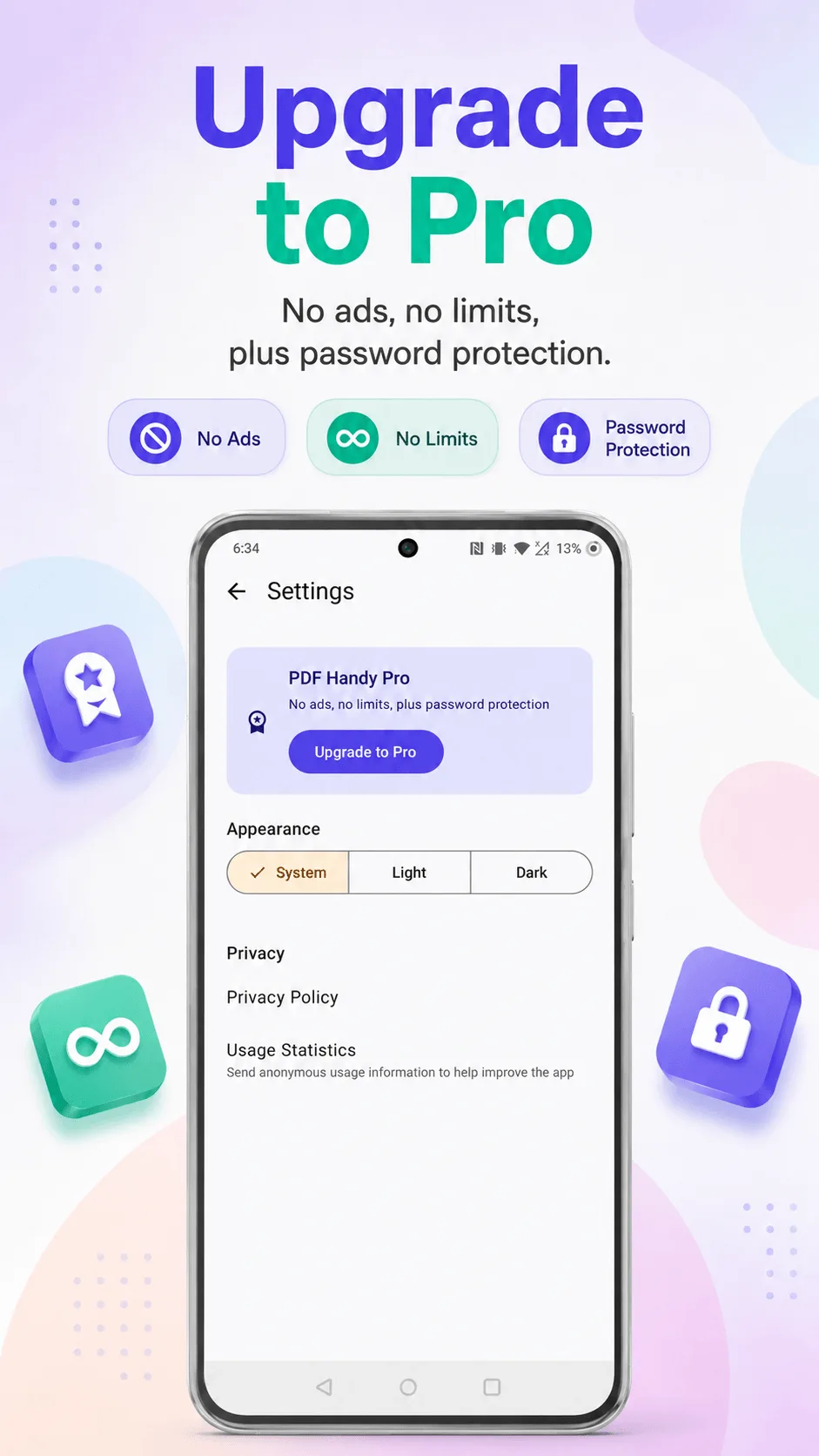
Password protection in PDF Handy is a Pro feature - a one-time purchase, not a subscription, that also removes ads and lifts every other tool's free-tier limit. Protecting happens entirely on your device; the password is never sent anywhere.
Get PDF Handy
Every PDF tool you need, 100% offline. Free to download, no account required.
- 100% offline
- No account needed
- Free to start

FAQ
Can I remove a password from a PDF later if I need to? PDF Handy protects files with a new password - it doesn't currently include a "remove existing password" tool for files already protected by another app.
Is a password-protected PDF actually secure, or just for show? When done properly (as opposed to some free web tools that don't actually encrypt the file), yes - the file's content is genuinely unreadable without the password, not just hidden behind a UI prompt.