

Our newest product
PDF Handy: every PDF tool you need, offline
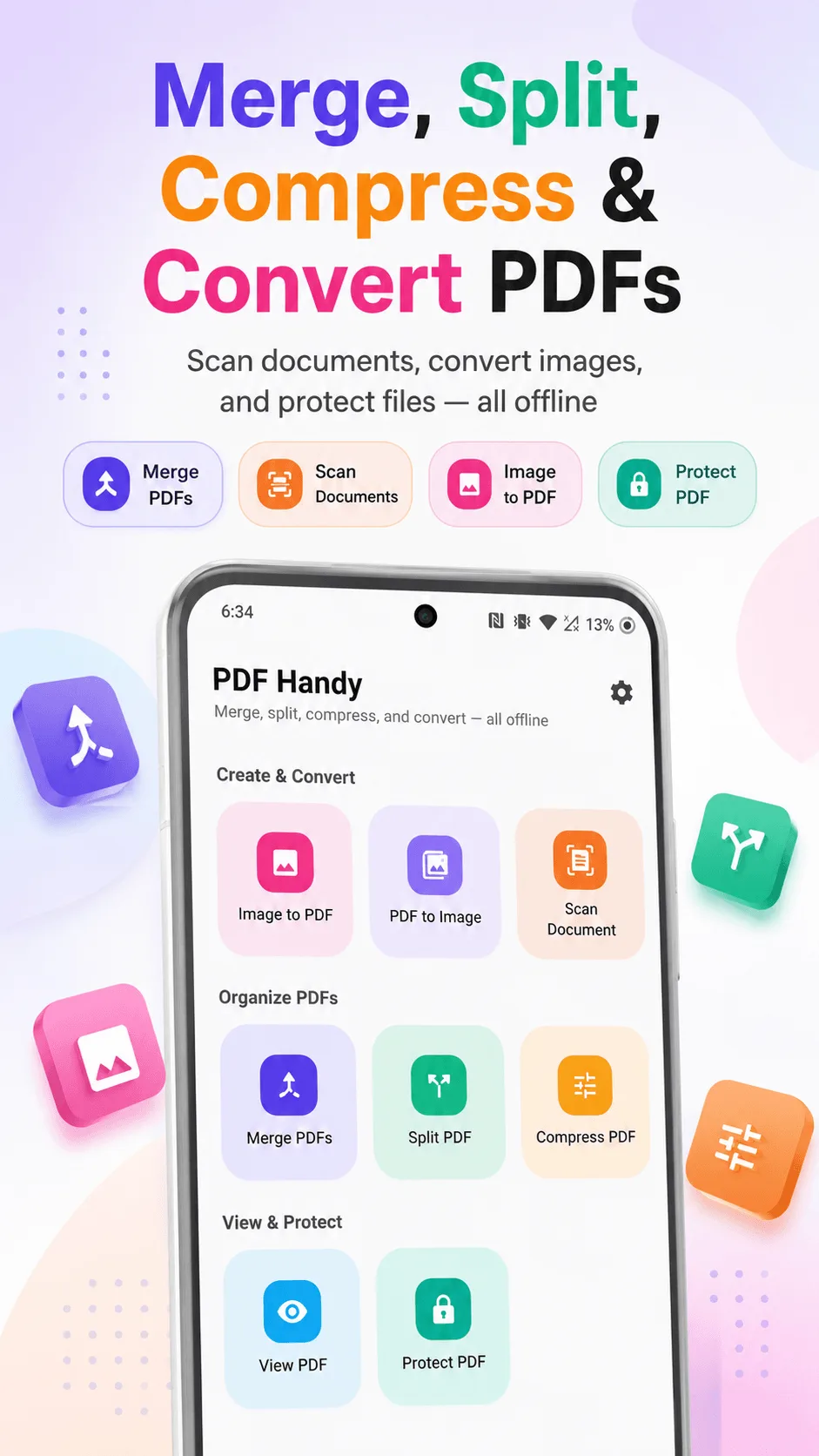
Merge, split, compress, and convert PDFs - right on your phone, no internet required. Scan documents with your camera, view any PDF, and lock one with a password - all in a few taps, with nothing ever uploaded anywhere.

See it in action
Swipe through every tool
Home
All 8 tools, one screen
Create & convert
From photos and camera shots to a real PDF
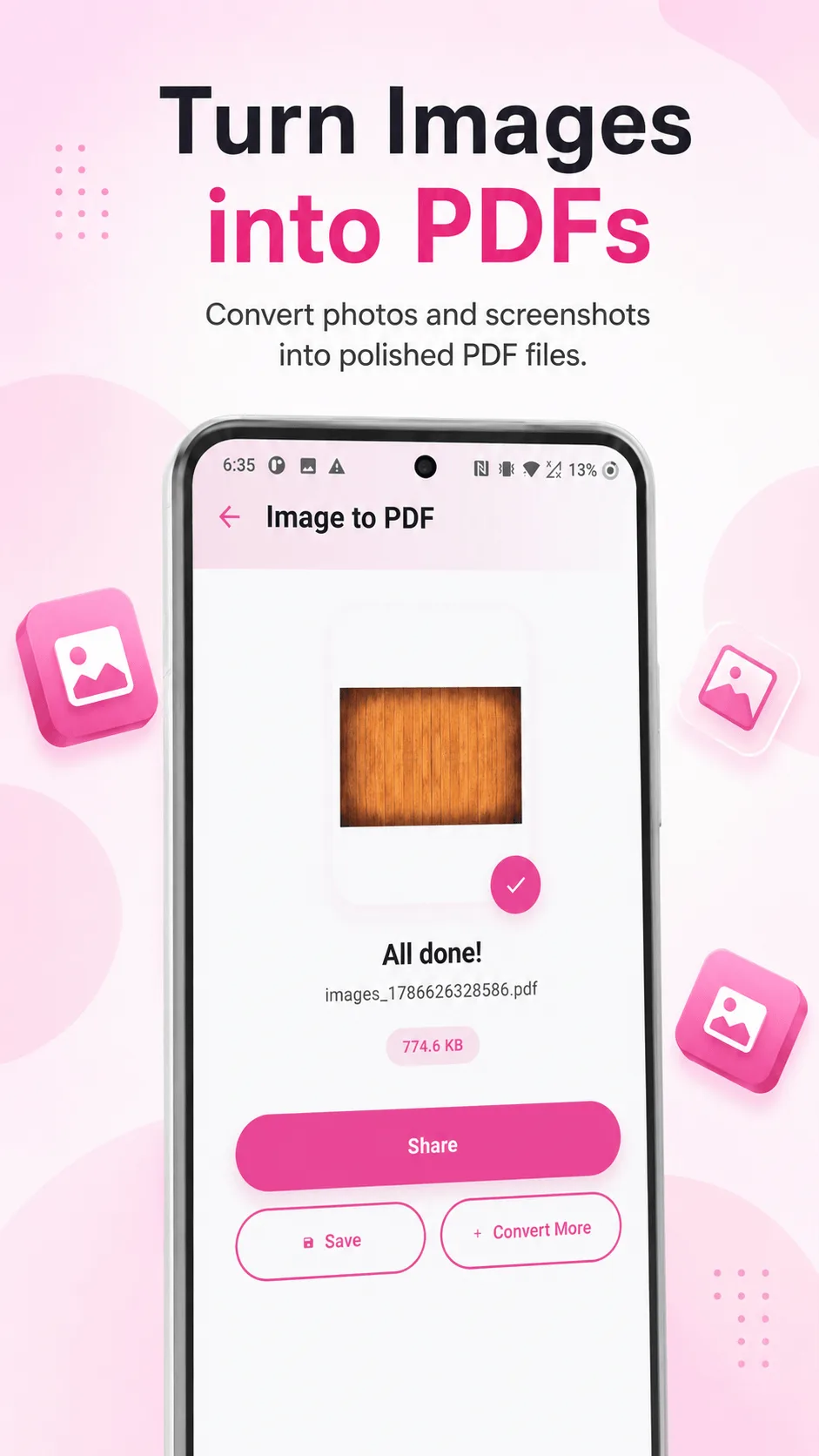
Image to PDF
Pick multiple photos and combine them into one document, in the order you choose.
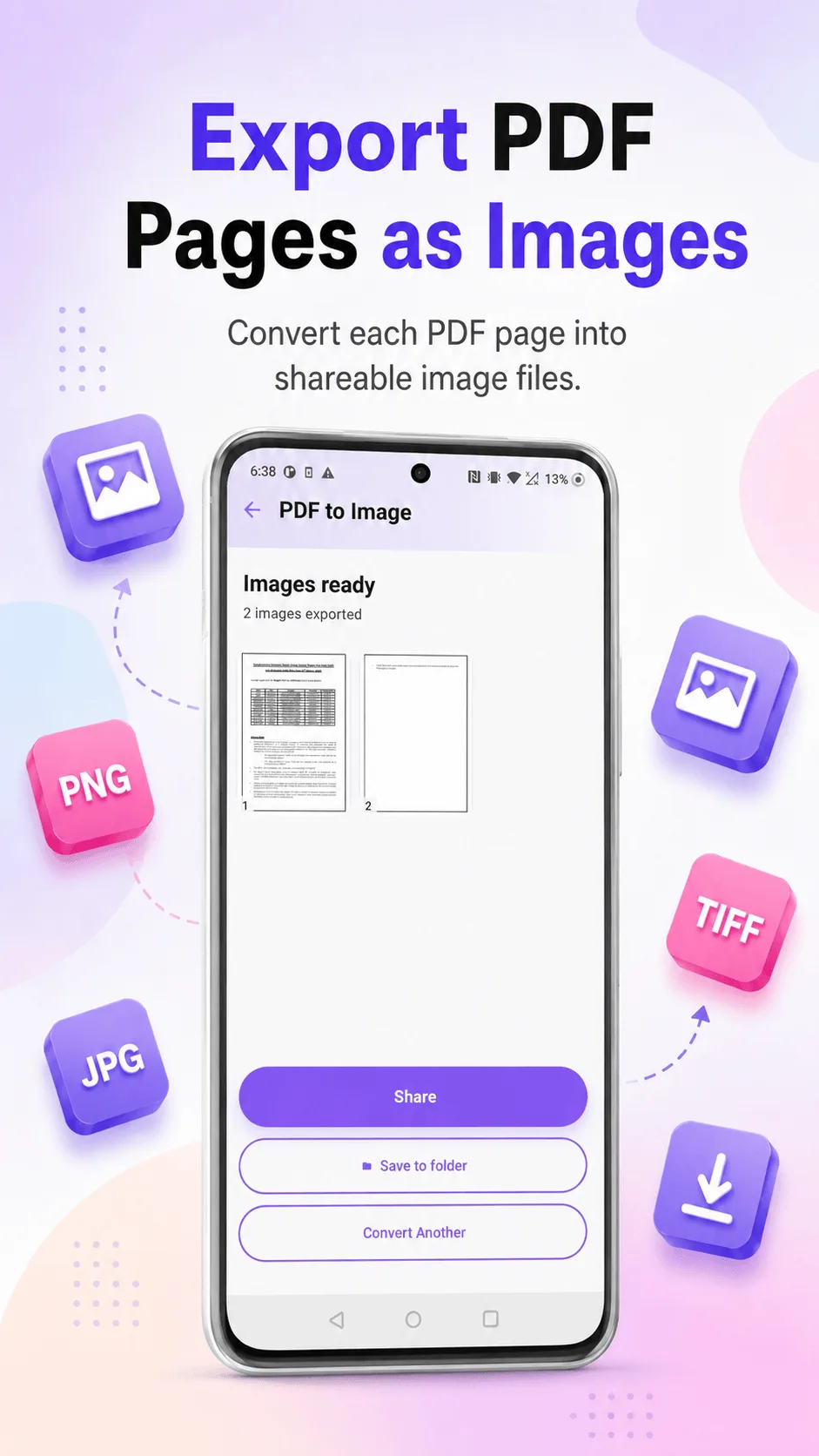
PDF to Image
Convert any PDF's pages into images, ready to share or use individually.
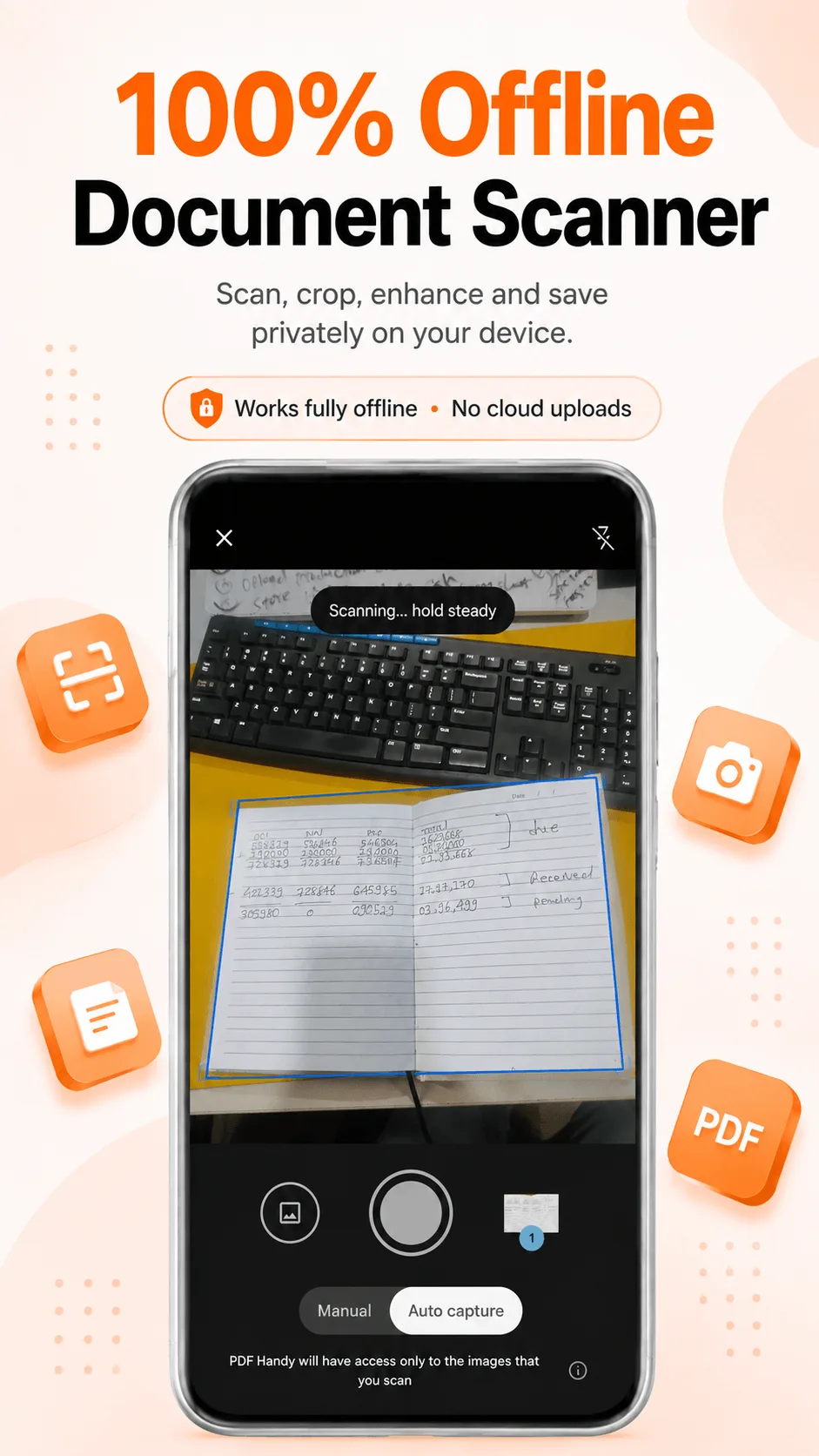
Scan Document
Capture pages with your camera - automatic edge detection and perspective correction, saved straight to a clean PDF.
Organize
Reshape any PDF in a few taps
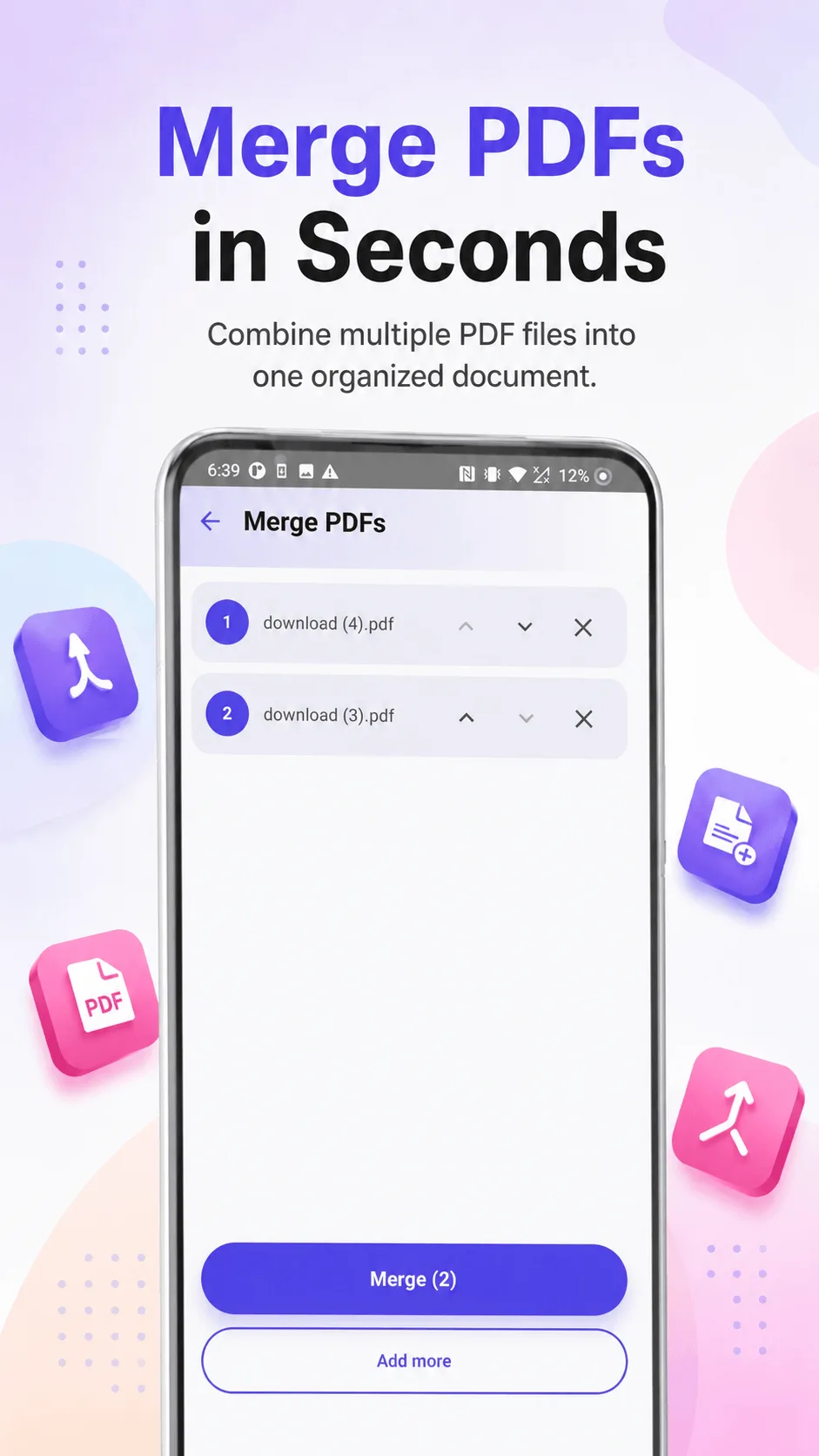
Merge
Combine multiple PDFs into one, in whatever order you drag them into.
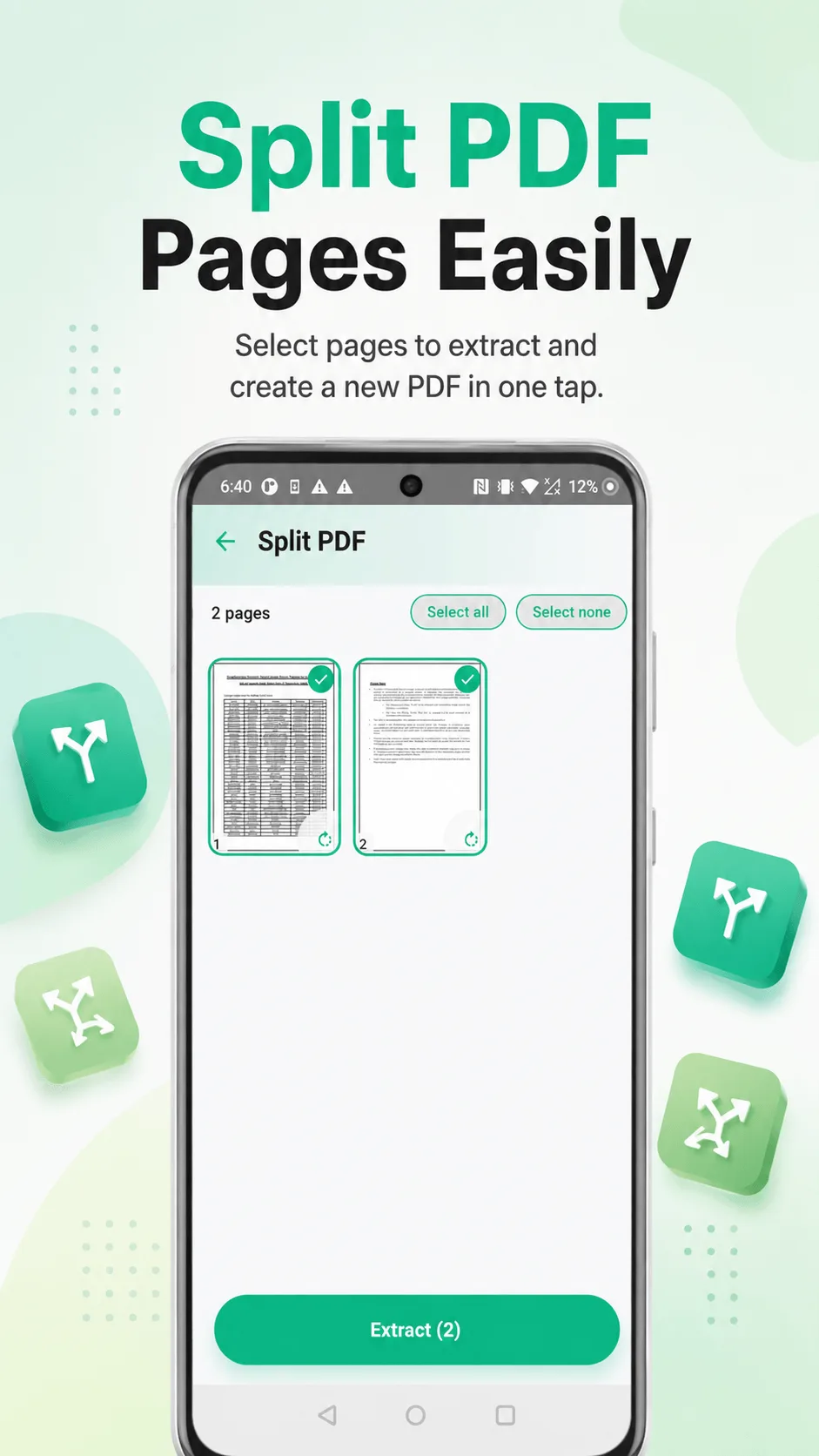
Split & extract
Pull out exactly the pages you need into a brand-new PDF, and rotate any that were scanned sideways.
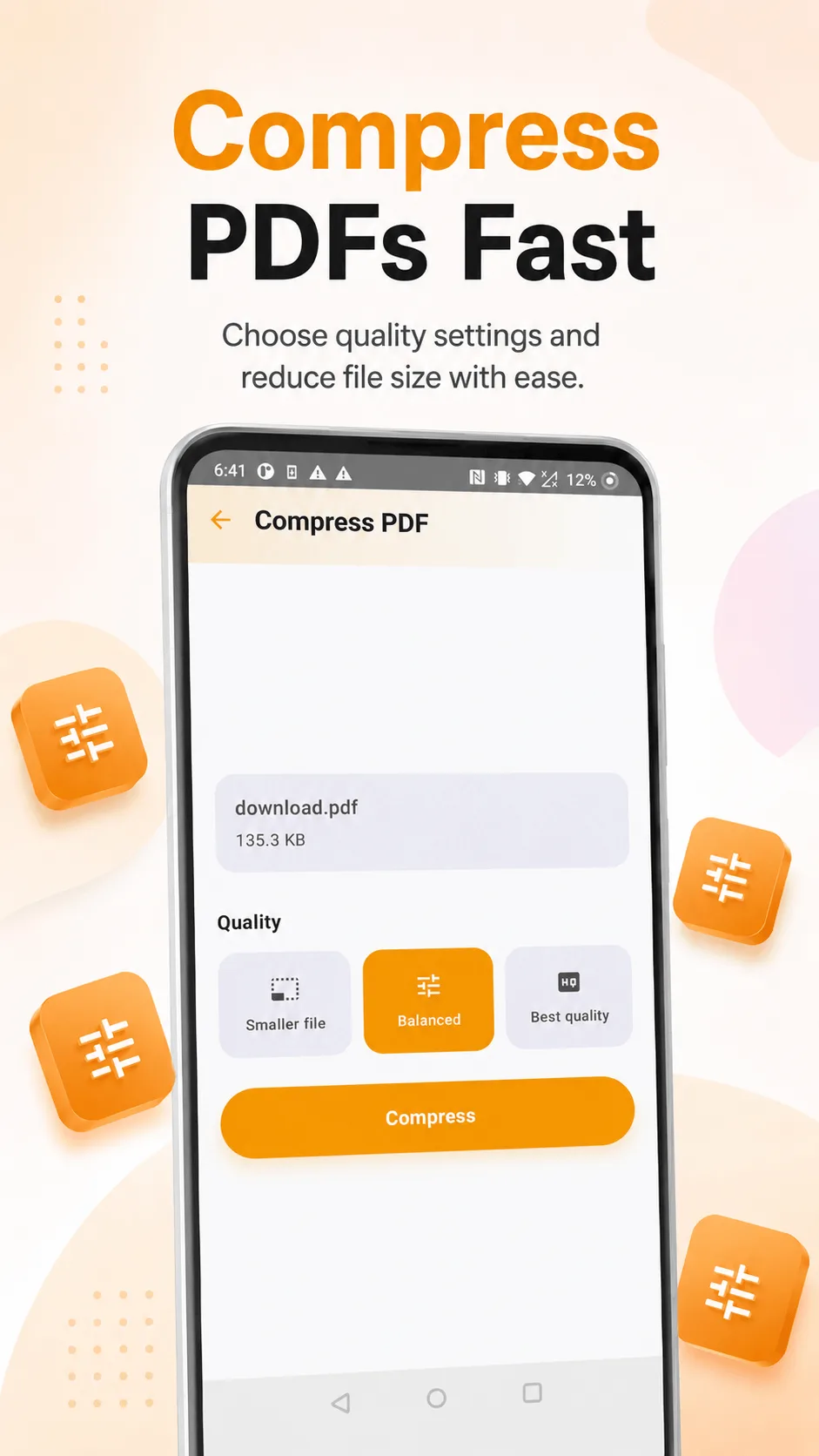
Compress
Shrink a PDF that's too big to email, with your pick of quality level.
View & protect
Read and lock down any PDF
Built-in viewer
Open and read any PDF with a clean, fast viewer - pinch to zoom, swipe between pages.
Password protect
Lock a PDF with a password before you share it - no one opens it without the password.
100% offline
Every tool runs entirely on your device - your documents never leave your phone.
Pro
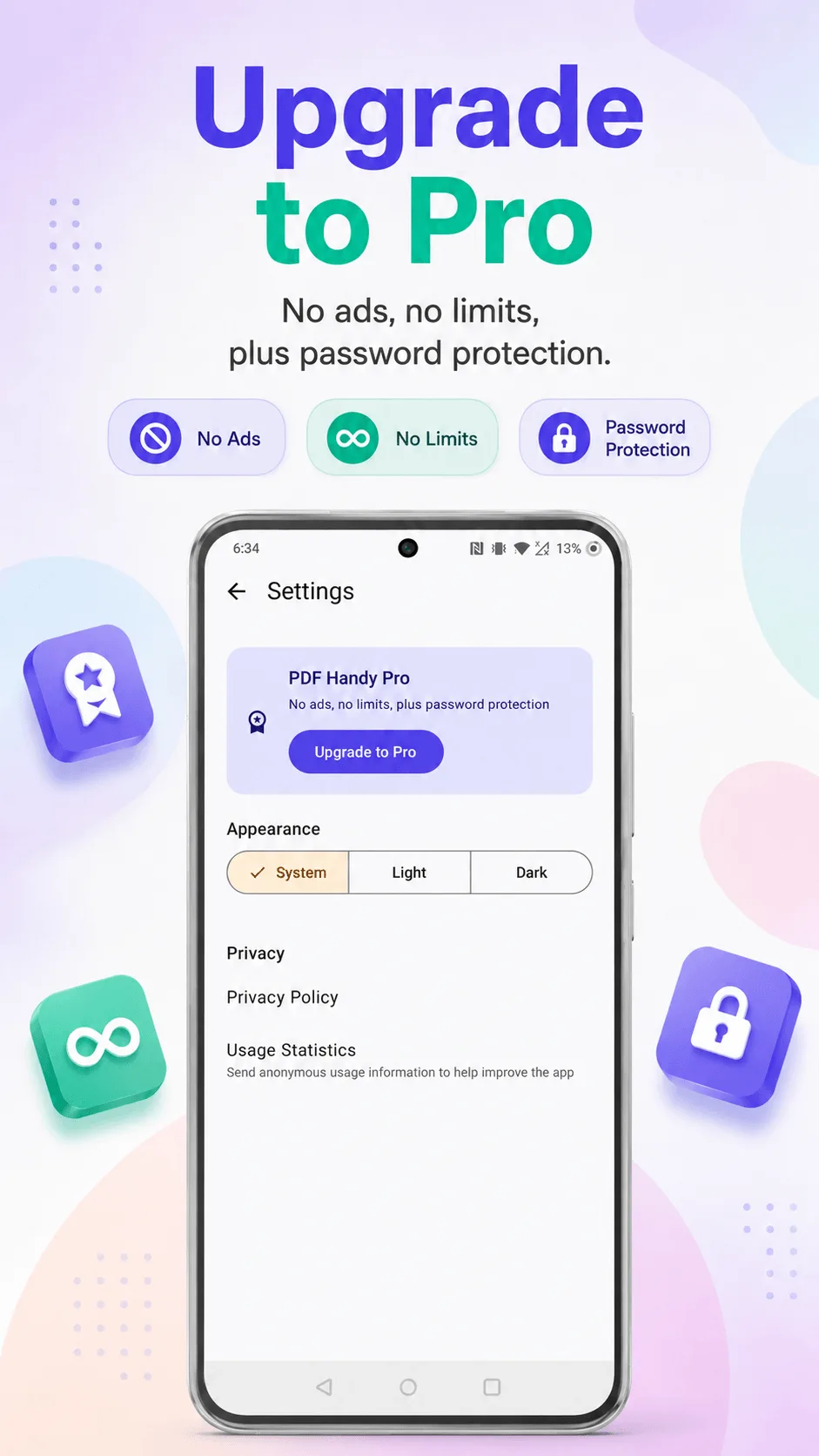
Free covers everything you need. Pro adds a bit more.
No ads
Remove ads entirely, one time.
Higher limits
Free covers generous everyday use - Pro lifts every tool's limit entirely.
Password protection
Locking a PDF with a password is a Pro-only feature.
One-time purchase
Pay once, unlocked forever - no subscription.
Get PDF Handy
Free to download, works offline, no account required.