

QR Code Not Scanning? Here's How to Fix It
Quick Navigation
A QR code that won't scan is almost always one of a handful of fixable problems - rarely a broken code. Here's how to work through them in order.
1. Move back (or closer)
Cameras need to focus, and QR codes have a minimum readable size relative to distance. If you're too close, the camera can't fit the whole code in frame; too far, and the individual squares blur together. Back up a step or two, then move in slowly until it locks on.
2. Check the lighting
Glare and shadows both break scanning - glare washes out contrast between the black and white squares, shadows do the same in reverse. If you're scanning a code on a screen, tilt it to kill any reflection. If it's printed, make sure there's even light across the whole code, not a hard shadow cutting across half of it.
3. Look for damage or low contrast
QR codes have built-in error correction, but it has limits. A crease, a coffee stain, or a code printed in low contrast (light gray on white, for example) can push it past what the correction can recover. If a printed code looks faded or damaged, the real fix is reprinting it - there's no scanning trick that reliably works around real data loss.
4. Make sure there's a quiet zone
QR codes need a small margin of blank space around all four sides (the "quiet zone") for a scanner to even recognize where the code starts. A code cropped tight to its edges, or placed directly next to other high-contrast graphics, can fail to be detected at all - not because it's unreadable, just because the scanner can't find its boundaries.
5. Try a different scanner app
Tip: not every app handles every format equally well. Some phone camera apps only recognize QR codes and nothing else, and some third-party apps struggle in low light or with damaged codes that a more robust scanner can still recover.
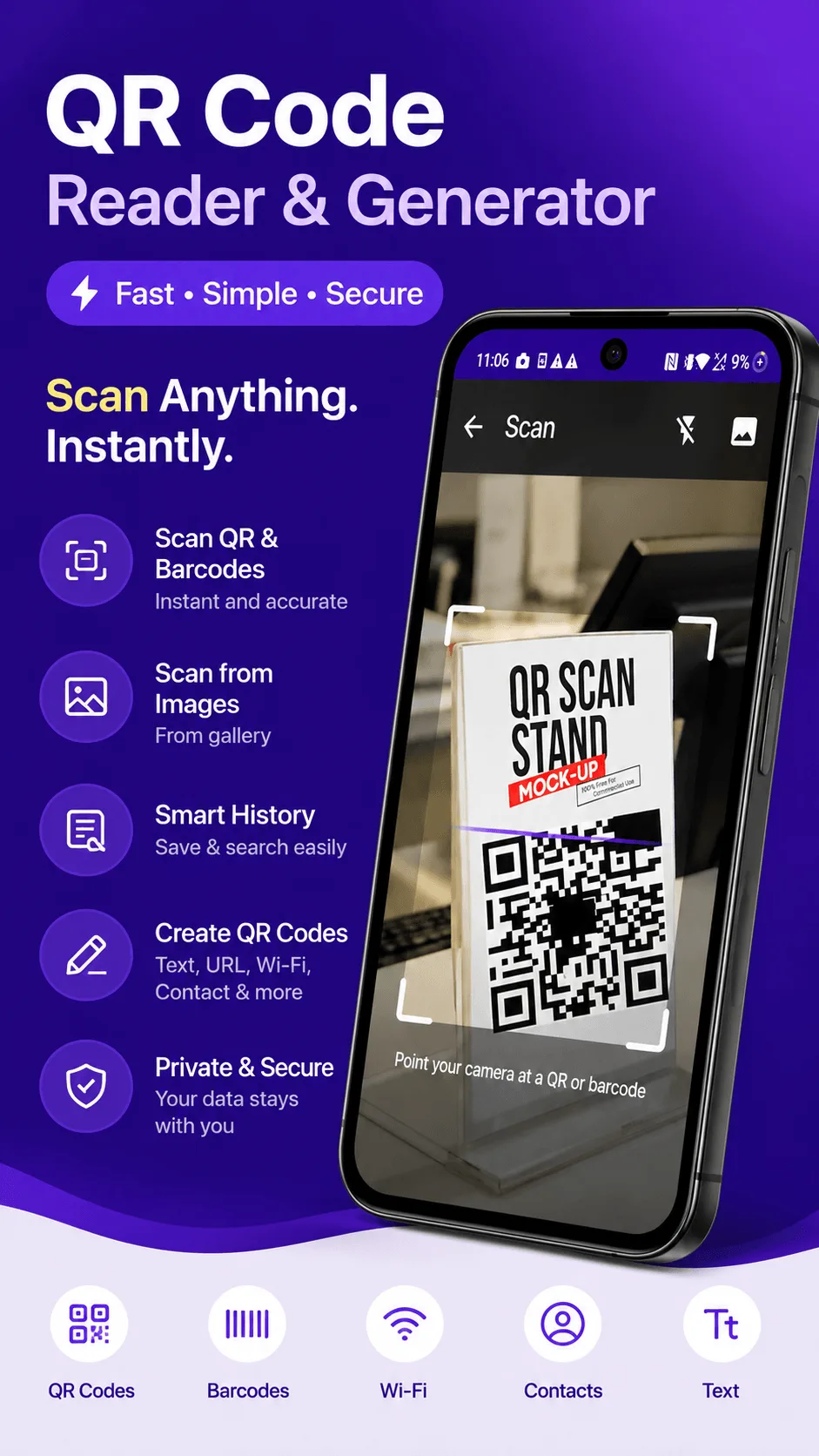
QRcode scans QR codes plus EAN-13, EAN-8, UPC-A, UPC-E, Code 128, PDF417, Aztec, and Data Matrix - fully offline, so a weak or missing internet connection is never the cause of a failed scan.

Get QRcode
Scan and generate any QR code or barcode, 100% offline. Free to download, no account required.
- 100% offline
- No account needed
- Free to start

FAQ
Does a QR code expire? No - a QR code itself never expires, it's just encoded data. The one exception: if it links to a web page, that page can go offline or get deleted, which looks like a "broken" code but isn't a scanning problem.
Why does my camera app open a browser instead of scanning? Some phones' native camera apps only recognize QR codes that encode a URL, and ignore other content types (WiFi, contact cards, plain text). A dedicated scanner app handles all of them.
Can a QR code be scanned from a photo, not just live camera? Yes, if the app supports it - QRcode can scan directly from any saved image, not just a live camera feed, which is useful for codes sent over chat or email.