

How to Send a QR Code You've Already Made
Quick Navigation
If you've already generated a QR code once - your WiFi password, a business card, an event link - there's no need to fill out the form again just to send it to someone else. It's already saved.
Sending a previously made code
- Open QRcode and tap Send (or History, depending on where you saved it).
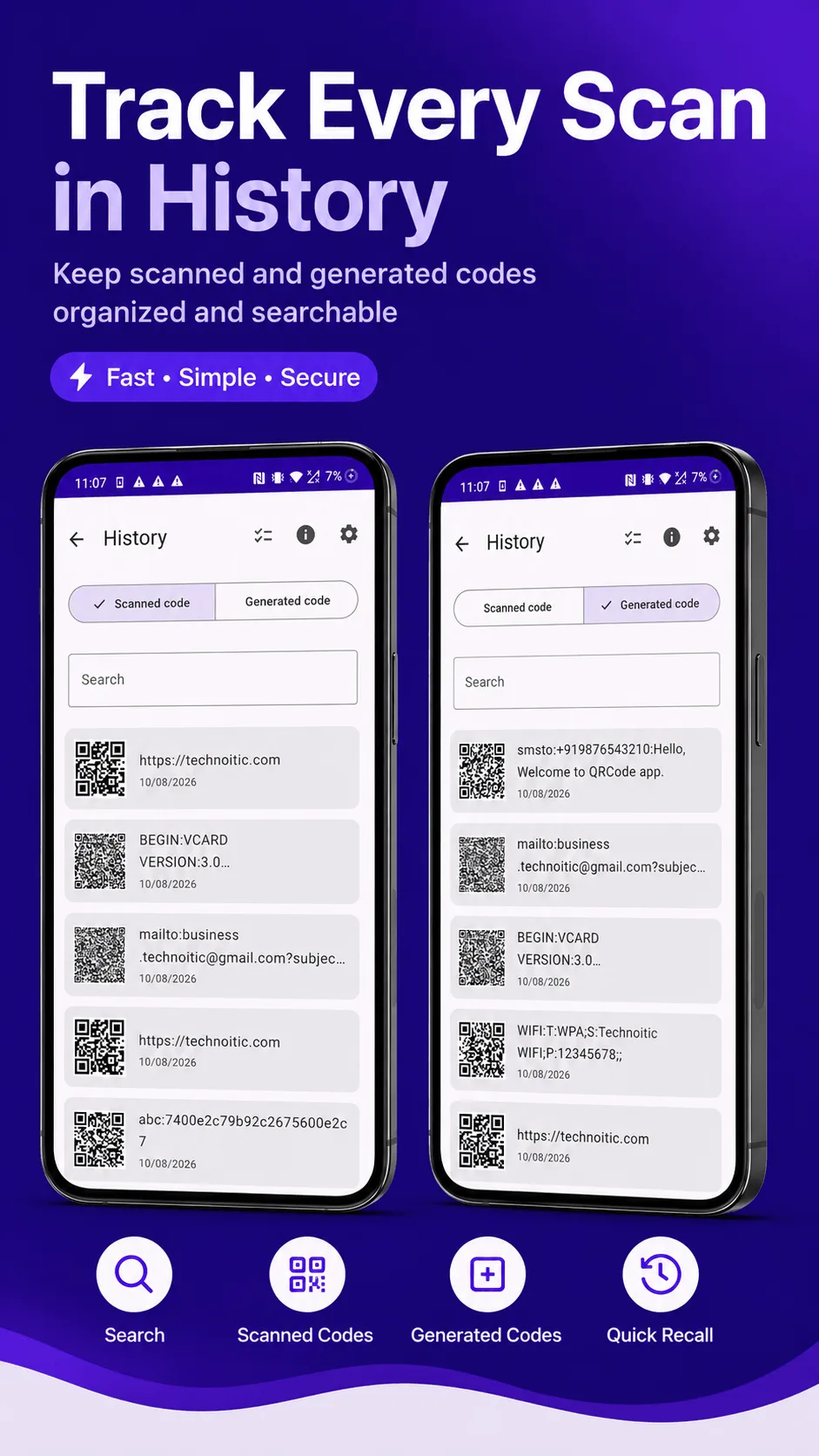
- Find the code you already created or scanned - use the search bar if you have a lot saved.
- Tap it, and choose how to send it: message, email, or any app that accepts an image, via your phone's normal share sheet.
The code goes out as a plain image - whoever receives it can scan it with any scanner, they don't need QRcode installed.
Why this matters more than it sounds
Tip: the alternative - regenerating the same QR code from scratch every time you need to share it - is easy to get wrong. Retype a WiFi password with one typo and you've handed someone a code that leads nowhere. Reusing the exact code you already generated and verified guarantees whoever gets it receives precisely what you intended.
A few situations this comes up in
- Re-sharing your WiFi code to a new guest, without re-typing your password again.
- Sending a saved business card code to someone you meet later, from your phone rather than handing over a physical card.
- Passing along an event or menu link you generated once for repeated use, rather than recreating it per person.
Keeping things organized
Everything you scan or generate in QRcode gets saved automatically to History, searchable by the text it contains - so "finding the WiFi code from three weeks ago" is a search away, not a "did I delete that" moment.

Get QRcode
Scan and generate any QR code or barcode, 100% offline. Free to download, no account required.
- 100% offline
- No account needed
- Free to start

FAQ
Does sharing a saved code use the internet? No - sharing just hands the already-generated image to your phone's normal share sheet (Messages, Email, WhatsApp, etc.); whatever happens after that depends on which app you pick, same as sharing any photo.
Can I edit a code after I've generated it? No - the content is fixed at generation time. If something's changed (a new WiFi password, for example), generate a new code rather than trying to edit the old one.