

How to Make a QR Code for Your WiFi Password
Quick Navigation
If you've ever spelled out a WiFi password letter-by-letter for a guest ("that's a capital O, not a zero"), a WiFi QR code fixes it permanently. Print it, frame it, or just leave it on the fridge - anyone can scan it and join your network in one tap, no typing required.
How it works
A WiFi QR code doesn't link to a website - it encodes your network name, password, and security type directly, in a format Android and iOS both recognize natively. Scanning it prompts "Join this network?" and that's it.
Generating one
- Open QRcode and tap Create.
- Choose the WiFi content type.
- Enter your network name (SSID) and password, and pick the security type (almost always WPA for a modern router).
- Tap Generate - you'll get a QR code you can save, share, or print.
That's it. The generated code works with any QR scanner, including the built-in camera app on most phones - the person scanning it doesn't need QRcode installed.
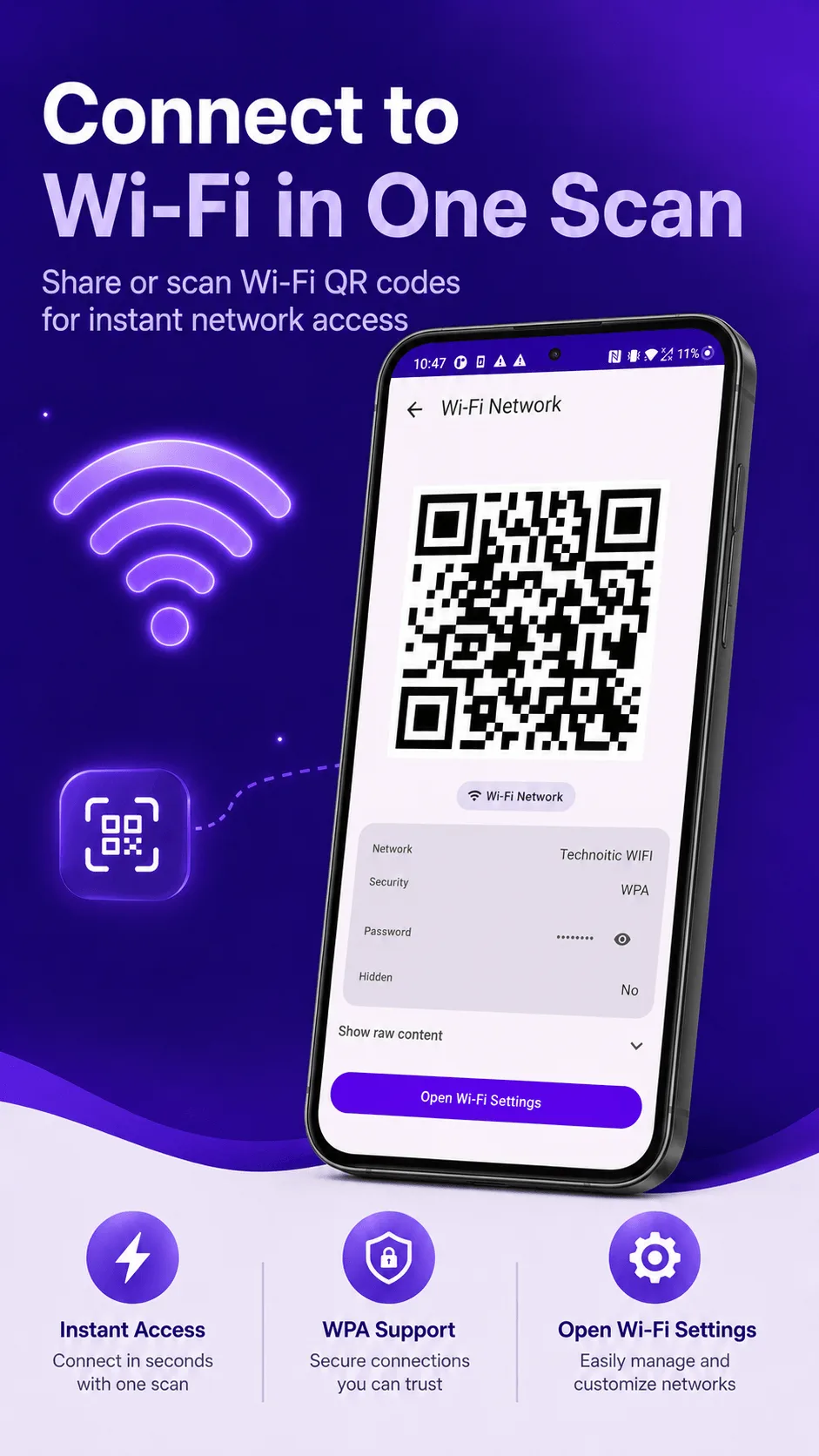
Anyone who scans the code can see the password. A WiFi QR code exposes your password the same as saying it out loud - don't post one somewhere public unless you're fine with anyone joining.
Where to put it
A few ideas that work well in practice:
- A small printed card near the router, or on the fridge for a home network.
- Table tents or a wall sign for a café, shop, or waiting room WiFi.
- A slide in your onboarding deck if you're setting up a shared office network.
A note on hidden networks
If your network doesn't broadcast its name, mark it as hidden when generating the code - without that, some scanners won't be able to join a network they can't see advertised.

Get QRcode
Scan and generate any QR code or barcode, 100% offline. Free to download, no account required.
- 100% offline
- No account needed
- Free to start

FAQ
Will this work if I change my password later? No - the code is generated from the password at the time you create it. If you change your WiFi password, generate a new code.
Does this need an internet connection to generate? No - QRcode generates codes entirely offline. Nothing about your network is ever sent anywhere.