

QR Code Menu: How Restaurants Can Make One for Free
Quick Navigation
A QR code menu is just a QR code that opens a link - the "menu" itself lives wherever you host it (a PDF, a webpage, a Google Doc), and the code is a shortcut to get there in one scan. No paid menu platform or subscription required to make the code itself.
What you need first
The QR code only points somewhere - you need that destination to exist first:
| A hosted webpage | A PDF menu | |
|---|---|---|
| Easy to update | Change a price anytime | Re-export and re-upload |
| Needs a website | Yes | No - any file host works |
| Setup effort | Higher, one-time | Lower, if you already have the PDF |
Either works. A webpage tends to be easier to update; a PDF is easier to produce if you don't have a website.
Generating the code
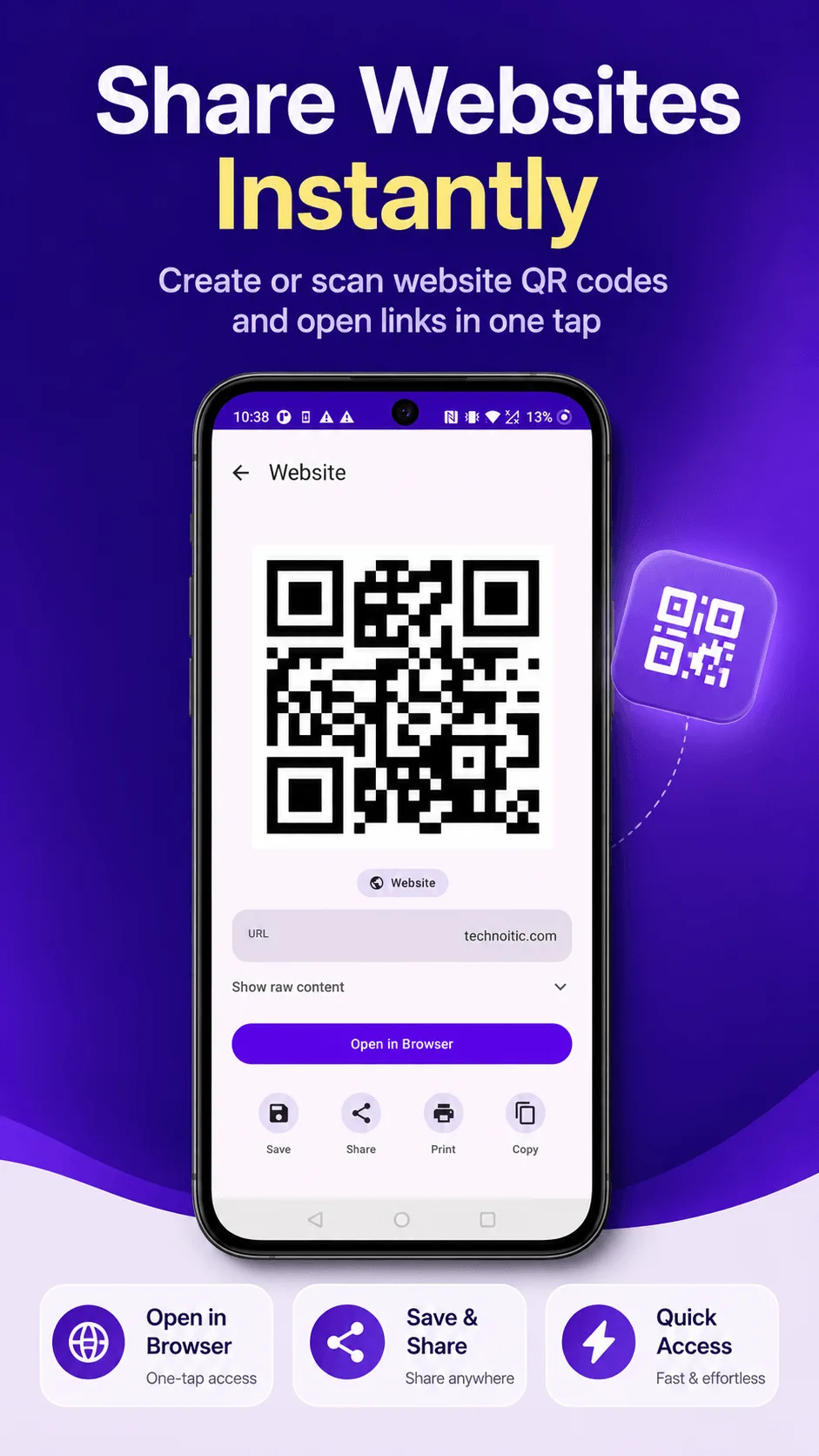
- Open QRcode and tap Create.
- Choose the URL content type.
- Paste the link to your menu.
- Tap Generate.
That's the whole process - the resulting code is yours to use however you print or display it.
Getting it onto tables
- Table tents or small acrylic stands - the most common approach, one per table.
- Printed cards at the host stand or entrance, for guests to scan before being seated.
- A window decal for takeout/delivery customers browsing from outside.
Before you print anything
Test the code yourself with a different phone than the one you generated it on, in the actual lighting where it'll be displayed - dim restaurant lighting plus a low-contrast print is the most common reason a printed code fails to scan (see our QR code not scanning guide). Print it bigger than looks necessary on screen, too - a code that looks fine on a monitor can be too small once shrunk onto a table tent.
Keep the destination link stable. If you ever change your menu's URL, every printed code stops working and every physical copy needs replacing. Point the code at a link you don't expect to change, even if the content behind it does.

Get QRcode
Scan and generate any QR code or barcode, 100% offline. Free to download, no account required.
- 100% offline
- No account needed
- Free to start

FAQ
Does the menu update automatically if I change the linked page? Yes, if you're linking to a webpage (or a cloud-hosted PDF you overwrite rather than replace) - the QR code itself never changes, only what it points to, so editing the destination updates the menu everywhere the code is printed, without reprinting anything.
Do I need a paid QR menu service? Not for the code itself - those services mainly sell menu-building/hosting tools, not the QR code generation, which is free with any QR generator including QRcode.